
1D/2D Code Reader
Overview
1D/2D Code Reader detects and decodes barcodes and matrix codes from an input image frame.
Use this node when you need to extract machine-readable identifiers such as product codes, tracking IDs, or URLs from camera frames and image streams.
You can control which code families are scanned by using the Code Filter input. This helps improve performance and reduce false detections in scenes with mixed patterns.
Input
Input Image
image requiredThe image frame to analyze. This is a reference input field, so it should point to an image output from an upstream node.
Code Filter
array requiredList of code types to detect.
Default value:
QR
Supported 1D Linear Codes
| Type | Example |
|---|---|
Code 39 (CODE_39) | 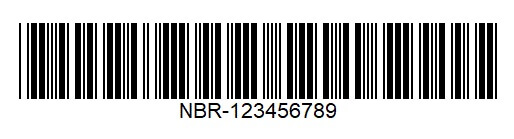 |
Code 93 (CODE_93) | 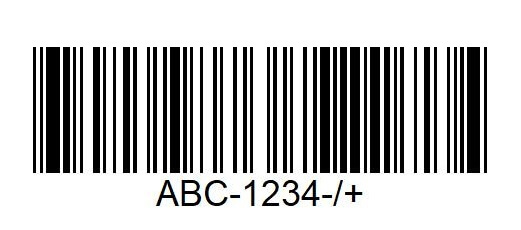 |
Code 128 (CODE_128) | 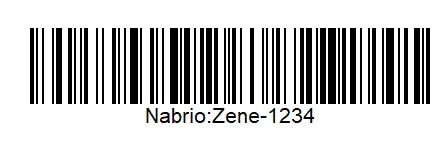 |
Codabar (CODABAR) | 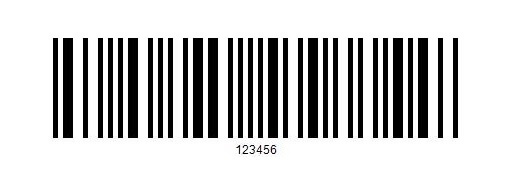 |
Interleaved 2 of 5 (INTER_2OF5) | 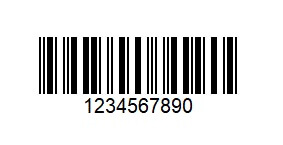 |
UPC-A (UPC_A) | 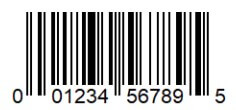 |
UPC-E (UPC_E) | 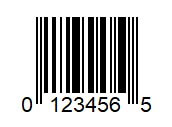 |
EAN-8 (EAN_8) | 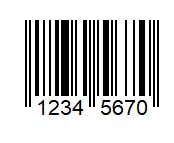 |
EAN-13 (EAN_13) | 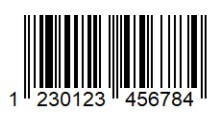 |
GS1 DataBar (DATABAR) | 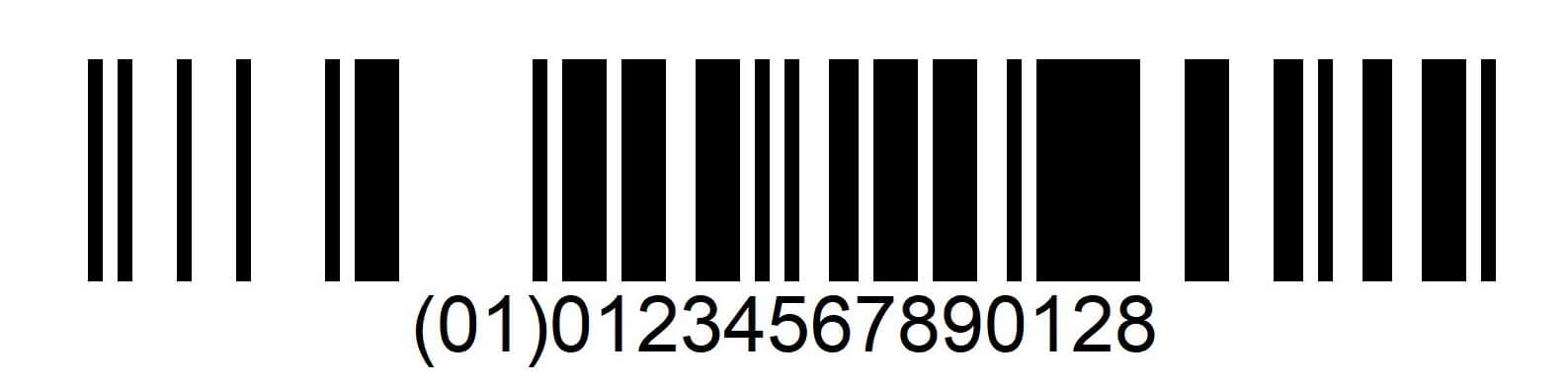 |
GS1 DataBar Expanded (DATABAR_EXP) | 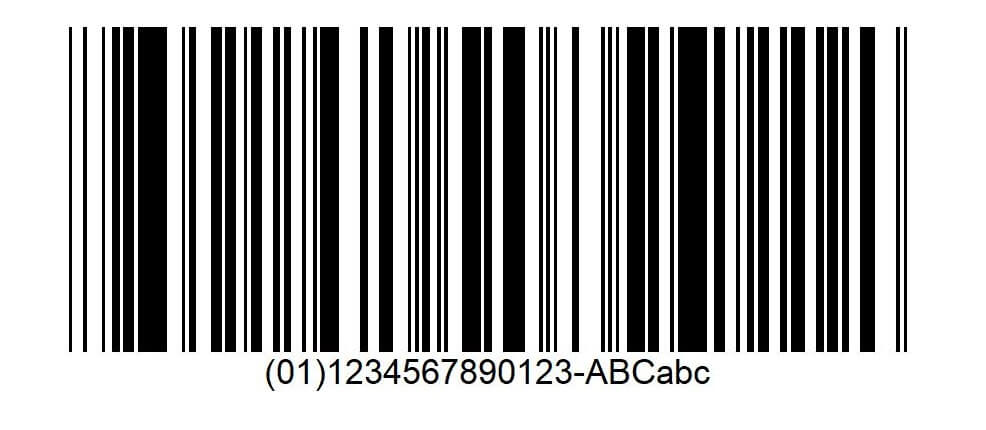 |
Supported 2D Matrix Codes
| Type | Example |
|---|---|
QR Code (QR) | 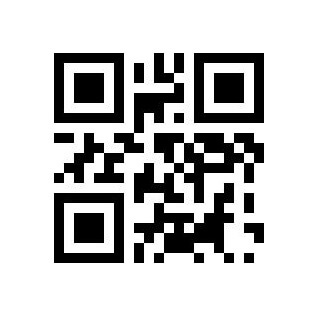 |
Data Matrix (DATAMATRIX) | 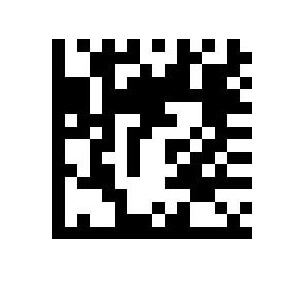 |
Aztec (AZTEC) | 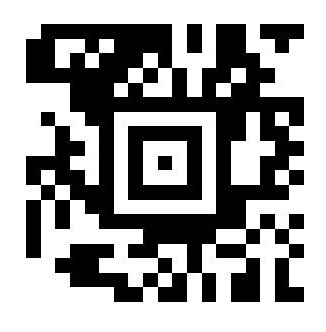 |
PDF417 (PDF417) | 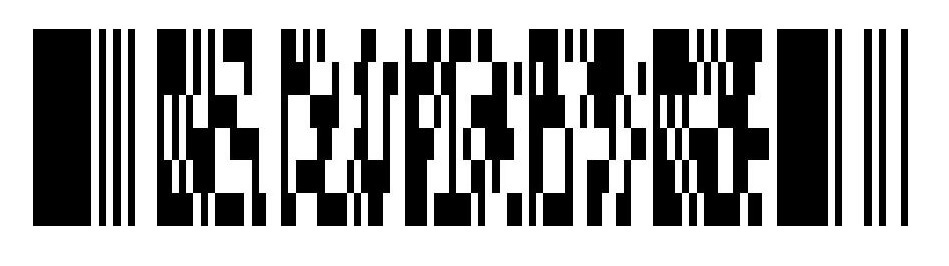 |
MaxiCode (MAXICODE) | 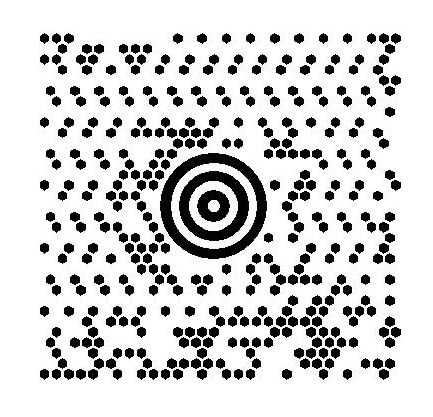 |
Overlay Results
boolean requiredWhether to draw detection overlays on the output frame.
Default value:
true
Overlay Type
booleanShown only when Overlay Results is enabled.
When enabled, the overlay includes each detected code type label (for example QR, CODE_128).
Default value:
true
Overlay Text
booleanShown only when Overlay Results is enabled.
When enabled, the overlay includes decoded text values for each detection.
Default value:
true
Output
Overlay Image
imageOutput frame from the node. If overlays are enabled, this frame includes drawn detection results.
Detected Count
integerNumber of detected codes in the current frame.
Detected Codes
arrayArray of decoded result objects. Each object contains:
pointsarray: Polygon points of the detected code in image coordinates. Each point is[x, y].labelstring: Decoded text value.codeTypestring: Detected code family (for exampleQR,EAN_13,PDF417).
Notes
- If
Code Filtercontains unsupported values only, initialization fails because no valid code types can be configured. - For best accuracy, provide clear frames with enough contrast and keep code regions large enough in the image.
- If no code is detected,
Detected Countis0andDetected Codesis an empty array.