
Console Log View
Overview
Console Log View is a display widget that renders plain text logs in a scrollable view on the dashboard. It is useful for monitoring output, debugging, or showing a running history of messages from the flow. A line limit keeps the view from growing unbounded.
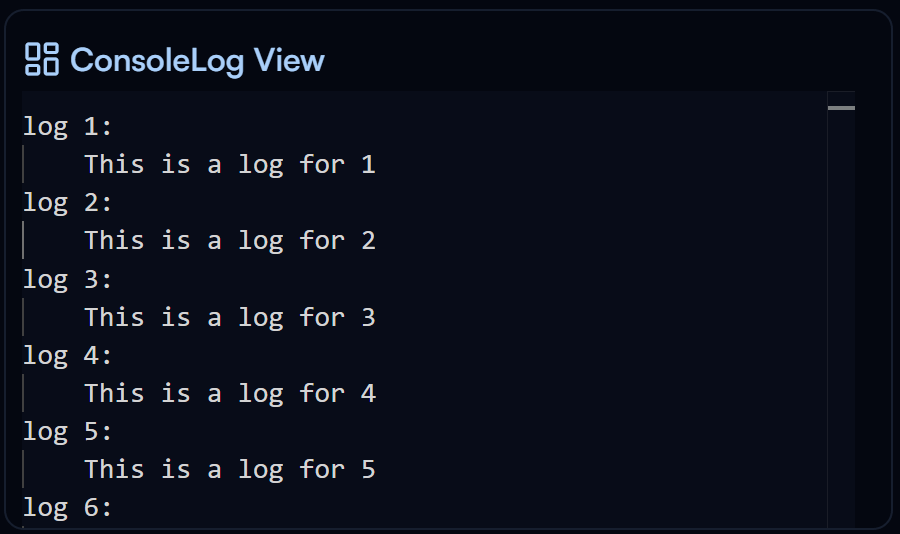
Console Log View widget on the Dashboard
Widget Info
| Field | Value |
|---|---|
| Type | Display |
| Description | Display plain text logs with scroll and line limit |
| Data Types | string, null, undefined |
| Dev Stage | Beta |
Data Source
The Data Source dropdown binds the widget to a flow variable. The string value from that variable is displayed in the log view. The variable must be of type string.
Settings
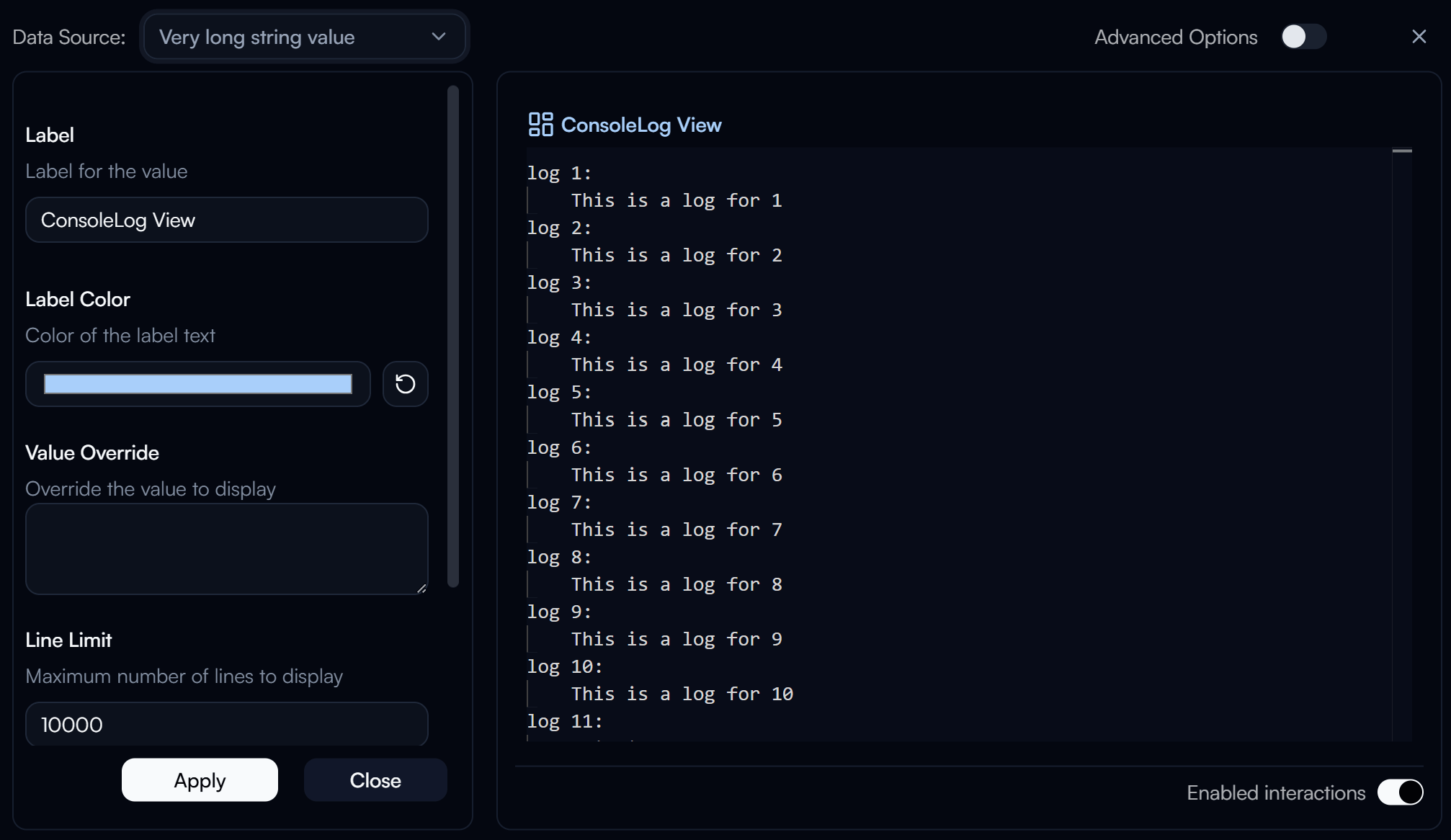
Console Log View settings panel
Label
Label for the displayed value.
Label Color
Color of the label text. Use the color swatch to pick a custom color, or press the reset button (↺) to restore the default.
Value Override
Override the value shown in the log view with a custom value instead of the bound variable's actual value.
Line Limit
Maximum number of lines to display in the log view. Defaults to 10000.
Initialize at Bottom
When enabled, the log view starts scrolled to the bottom, showing the most recent entries first.
Advanced Options
Enable Advanced Options at the top right of the settings panel to reveal the following additional settings.
Label Class Name
Tailwind CSS class name applied to the label element for custom styling.
Label Icon ID
The icon to display next to the label.
Label Icon Class Name
Tailwind CSS class name applied to the label icon element for custom styling.
Layout
Display layout of the widget.
| Value | Description |
|---|---|
default | Label appears above the log view (stacked vertically) |
row | Label and log view appear side by side on the same row |